
You need an access control system that fits the way people move through your office. NYC IT Tech provides access control installations in NYC using cards, key fobs, mobile credentials, door hardware, permission software, and audit logs. From a single tenant entrance to multiple offices, we handle the survey, design, cabling, installation, programming, testing, training, and support. We can also connect your doors with video, visitor management, elevators, and turnstiles.
What a Commercial Access Control System Includes
A commercial access control system is more than a reader beside the door. Each part has to work together so the right person can enter, the door releases safely, and the event appears in a usable record.
- Credentials such as cards, key fobs, mobile apps, and wallet passes
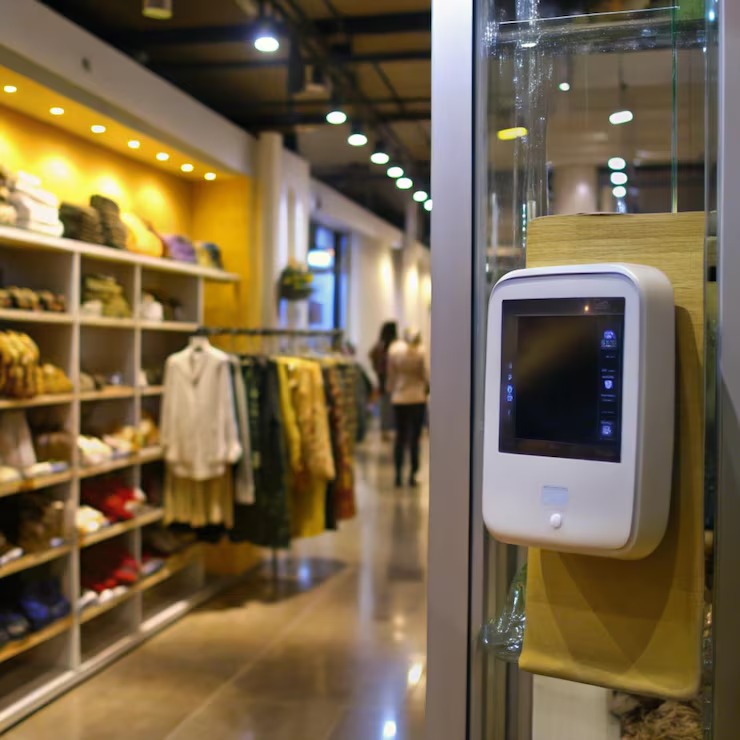
- Readers that recognize the credential at each controlled door
- Controllers and panels that approve or deny the request
- Electrified strikes, maglocks, or other locking hardware
- Door contacts and request-to-exit devices
- Power supplies and battery backup
- Low-voltage cabling and network connections
- Software for permissions, schedules, alerts, and audit logs
- Connections to video, visitor, elevator, and identity systems
Access control manages entry permissions, while cameras, alarms, intercoms, and monitoring give your team visibility into what is happening around each entrance.
Signs an NYC Office Needs New or Expanded Access Control
You may need a new system after an office move, lease change, renovation, security concern, or vendor support ending on older equipment. Common signs include:
- You are adding doors, floors, locations, or employees
- Cards and key fobs are difficult to issue, track, or revoke
- Your current system has unreliable logs or unsupported controllers
- You want remote management or mobile credentials
- Doors need to connect with video, visitor, or elevator systems
- Older Wiegand readers no longer fit your security requirements
For an office under construction, door locations, power, and pathways should be coordinated with cabling for the wider buildout. Early planning helps prevent finished walls from being opened again for missing cable runs.
Choosing the Right Credentials for Your Office
The best credential is the one your team can manage without creating friction at the door. Many offices use a mix, such as mobile credentials for employees and cards or key fobs for visitors, contractors, and backup access.
Credential | Best Fit | Points to Consider |
Card or key fob | Employees, visitors, and backup access | Easy to issue, but physical stock, loss, and replacement need to be managed |
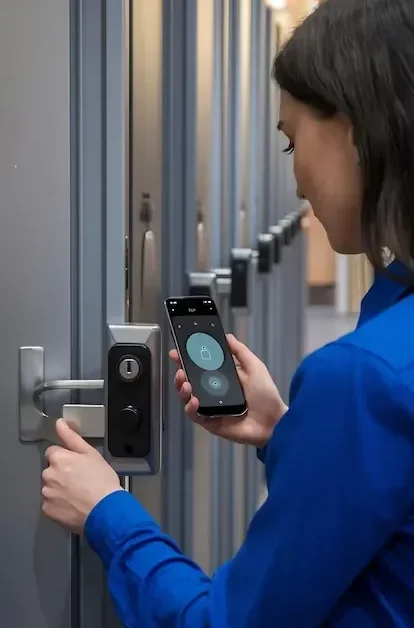
Mobile app | Phone-ready teams and frequent onboarding | Remote issuing is convenient, but licensing, phone access, and user support matter |
Mobile wallet | Offices that want a familiar tap experience | Reader, phone, wallet, and platform compatibility must line up |
PIN | Low-risk secondary doors or temporary exceptions | Codes can be shared or observed, which weakens the audit trail |
Biometric | Selected higher-security areas | Privacy, consent, enrollment, accuracy, and fallback access need review |
A hybrid card access system with mobile credential access control gives your team flexibility without relying on a single device or credential type.
Cloud and On-Premises Access Control Management
Cloud access control gives authorized administrators browser-based access to permissions, alerts, and records across one or several offices. It often fits a multi-site access control system or a team that needs to issue and revoke credentials remotely.
An on-premises platform keeps the management server within your own environment and may fit internal data or system-control requirements. Both options depend on a secure office network, especially when doors connect with identity, video, or visitor platforms. We review licensing, data ownership, offline door behavior, and migration options before you commit to a platform.
Moving From Wiegand Readers to OSDP
OSDP gives compatible readers and controllers a supervised, two-way connection and can encrypt credential data through Secure Channel. Older Wiegand systems send reader data in one direction and do not provide the same supervision.
An OSDP access control upgrade starts with your current readers, controllers, cable, and configuration. Some components may remain, while others need replacement to support OSDP from the reader through the controller.

Reusing Existing Doors, Readers, and Cabling
You do not always need to replace the entire system. We review each opening separately based on:
- Door and frame condition
- Existing lock type and egress behavior
- Reader and credential technology
- Controller age, firmware, and vendor support
- Power supply and battery capacity
- Cable condition and pathway layout
Readers, controllers, and network equipment depend on clean low-voltage pathways. Reviewing the existing cable routes and connections helps define what can stay and what should be replaced before the budget is finalized.
Integrating Access Control With Video, Visitors, Elevators, and Turnstiles
Access control becomes more useful when it supports the way people enter and move through the building. We plan each integration around the platforms involved, the workflow your team needs, and who owns ongoing support.
Access Events Paired With Video
A door event can be linked to the matching camera clip, giving security staff a faster way to review denied access, forced doors, or doors held open. Time settings and platform compatibility have to match for the records to line up.
Visitor Management and Temporary Credentials
Pre-registered guests can receive time-limited access while hosts receive arrival notifications. Connecting the door system with digital visitor check-in keeps guest entry, host communication, and visit records within one workflow.
Elevators and Tenant Floors
In a multi-tenant building, a credential may need to open the lobby turnstile, call the elevator, and limit the user to approved floors. Planning how credentials work with destination-dispatch elevators helps align the tenant system with the base-building platform before equipment is ordered.
Turnstiles and Lobby Entry
Turnstiles and speed gates control entry flow, but they also need a plan for guests, accessibility, emergency egress, and people following an authorized user. Some buildings add barriers and detection for tailgating through a mix of sensors, cameras, and security procedures.
Access Control Hardware and Platforms We Install
We select access control hardware around your doors, credentials, existing systems, and long-term support needs. Product choices are confirmed during design, so you are not locked into equipment that does not fit the opening or the management platform.
Readers and Credentials
Reader options include card, key fob, mobile, wallet, PIN, and multi-technology models. We match them to the credentials your staff already use or the migration you are planning.
Controllers and Locks
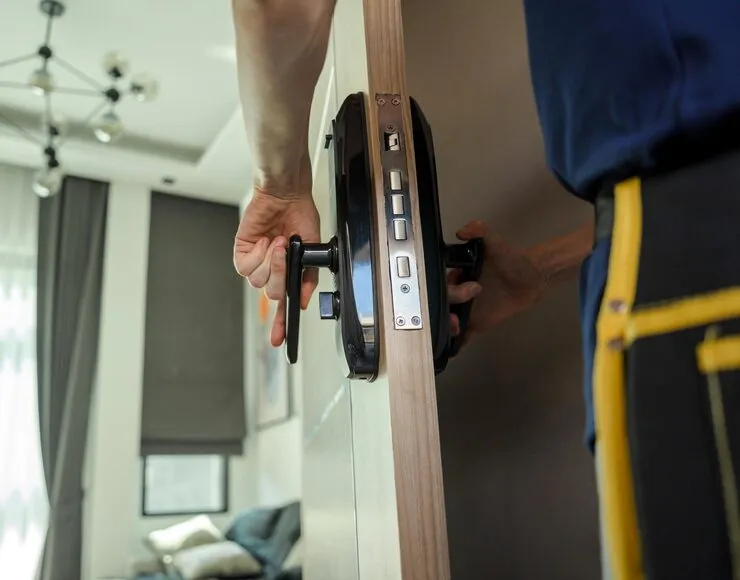
Controllers, electrified strikes, maglocks, door contacts, and request-to-exit hardware are selected for each opening. Door construction, power, egress, and fire-alarm behavior all affect the final hardware list.
Management Software and Cloud
Cloud and on-premises platforms can manage permissions, schedules, alerts, and audit reports. We compare platform compatibility, administrator access, recurring fees, integration support, and the path for future expansion.
Certifications and Licensing
NYC IT Tech provides the insurance documentation required by the building before work begins. Access control work involving electrical, fire-alarm, or life-safety systems is coordinated with the qualified trades and building representatives required for that scope.
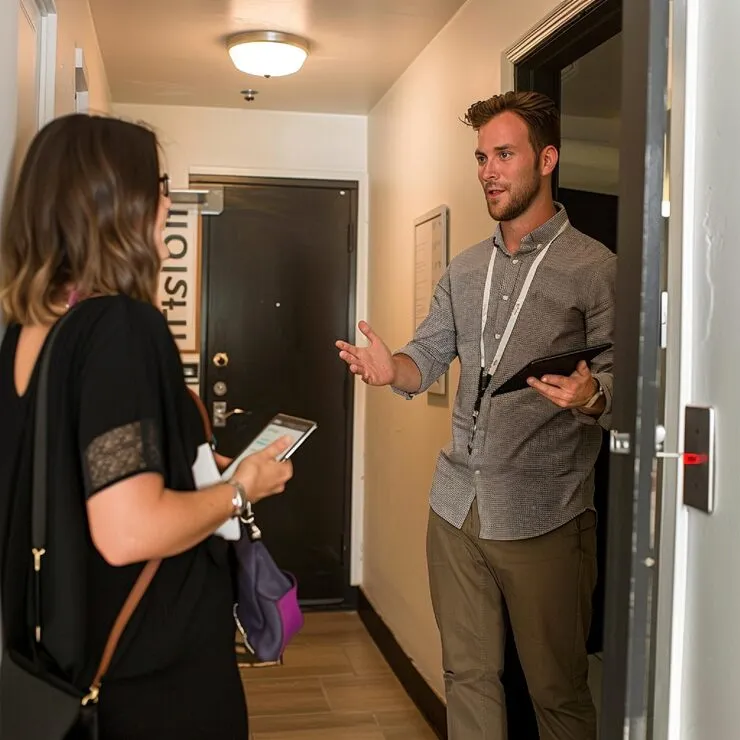
Door Access Control Installation From Survey to Handoff
Our door access control installation in NYC follows a clear sequence, with the decisions and responsibilities documented before work begins.
- Door and credential survey. We document each opening, existing hardware, egress path, and user needs.
- System design. You receive a door schedule, platform plan, and bill of materials.
- Building coordination. We align access needs with the landlord, door-hardware team, electrician, fire-alarm provider, and network team.
- Installation and programming. Readers, controllers, locks, cabling, permission groups, and schedules are installed and configured.
- Testing. We check credentials, door behavior, alarms, logs, egress release, integrations, and backup operation.
- Training and handoff. Your administrators receive system training and the available project documentation, warranty information, and support details.
The result is a commercial door access system your team can manage from the first day of use.
NYC Fire, Egress, and Building Coordination
Access control on an exit door affects life safety, and the requirements vary by opening. The design may need input from the landlord, door-hardware team, electrician, fire-alarm provider, and the authority having jurisdiction.
We coordinate door ownership, permitted egress, fire-alarm release, building insurance requirements, and after-hours access before installation. This is especially important in occupied offices and multi-tenant buildings, where tenant systems must work with base-building rules.
What Commercial Access Control Costs Per Door
Commercial access control cost per door varies because every opening has different hardware and coordination needs. Your proposal should separate the one-time installation from recurring platform, credential, and support fees.
The main cost factors include:
- Locking hardware and door condition
- Reader and credential type
- Controller, power supply, and battery backup
- New cabling or reuse of existing pathways
- Fire-alarm and egress coordination
- Cloud licensing and mobile credential fees
- Video, visitor, elevator, or identity integrations
- Testing, training, documentation, and support
After a door survey, we provide a site-specific quote that lists the included hardware, labor, software, and recurring costs.
Access Control Across NYC and Queens
NYC IT Tech handles access control installation and support throughout New York City. Projects range from one controlled tenant entrance to multi-site systems covering lobbies, employee areas, server rooms, executive suites, and loading zones.
Local installation and support can be planned around the building, door conditions, and systems already in place. Across the city, our work includes system design, installation, integration, modernization, and ongoing administration.
Access Control FAQs
A single-door retrofit may take one day, while larger or integrated systems often require several days. Evening or weekend work may be available when the building permits it.
Many controllers keep using stored permissions during an internet outage, although remote changes and live alerts may pause. Power-loss behavior depends on battery backup, lock type, and egress requirements.
Sometimes. Both systems must support the same credential technology and format, and mobile credentials are often less interchangeable than physical cards.
Yes. The door type, frame, glass thickness, swing, and egress requirements determine the appropriate lock and mounting hardware.
Yes. Many offices secure primary entrances and higher-risk rooms first, then add more doors to the same platform later.
Schedule a Door and Credential Assessment in NYC
Tell us how many doors you need to control, the credentials your team uses, and any systems that need to connect. Schedule a door and credential assessment to review your openings, existing hardware, management needs, and next steps.