
NYC IT Tech designs and installs conference room AV systems across Manhattan and all five boroughs, from 4-person huddle rooms to full executive boardrooms. Pricing for a huddle room starts at $2,000–$5,000, a standard conference room runs $5,000–$15,000, and a dedicated Zoom or Teams Room costs $4,000–$12,000. Executive boardrooms with full automation range from $15,000–$50,000+. All prices include equipment, installation, structured cabling, and configuration. NYC IT Tech offers a free on-site assessment before quoting, so every number is based on your actual space, not a generic estimate.
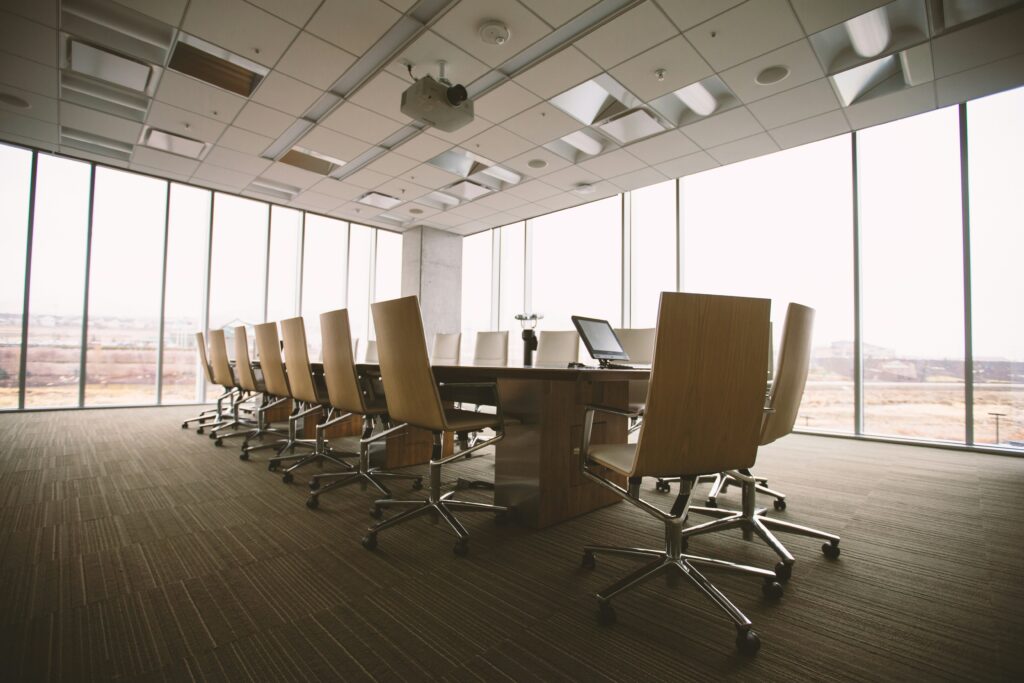
1. Conference Room AV Pricing by Room Type
Below are realistic price ranges based on actual NYC IT Tech installations across Manhattan, Brooklyn, Queens, and the Bronx. All estimates include equipment, labor, structured cabling, and system configuration.
1. Conference Room AV Pricing by Room Type
Below are realistic price ranges based on actual NYC IT Tech installations across Manhattan, Brooklyn, Queens, and the Bronx. All estimates include equipment, labor, structured cabling, and system configuration.
|
Room Type
|
Capacity
|
Display
|
Audio Setup
|
Est. Cost (NYC)
|
Best For
|
|---|---|---|---|---|---|
|
Huddle Room
|
2–6 people
|
43–55" display
|
All-in-one speakerphone
|
$2,000–$5,000
|
Small teams, daily standups
|
|
Standard Conf.
|
6–14 people
|
65–75" commercial
|
Ceiling mics + speakers
|
$5,000–$15,000
|
Client meetings, video calls
|
|
Zoom / Teams Room
|
4–12 people
|
65–75" + camera bar
|
Integrated cam + mic
|
$4,000–$12,000
|
Dedicated video conferencing
|
|
Exec. Boardroom
|
14–30+ people
|
75–98" or dual screens
|
Distributed mic arrays
|
$15,000–$50,000+
|
Board meetings, presentations
|
|
Training Room
|
20–50 people
|
Projector + 100"+ screen
|
PA + wireless mics
|
$10,000–$35,000
|
Workshops, large presentations
|
Room Type | Capacity | Display | Audio Setup | Est. Cost (NYC) | Best For |
Huddle Room | 2–6 people | 43–55″ display | All-in-one speakerphone | $2,000–$5,000 | Small teams, daily standups |
Standard Conf. | 6–14 people | 65–75″ commercial | Ceiling mics + speakers | $5,000–$15,000 | Client meetings, video calls |
Zoom / Teams Room | 4–12 people | 65–75″ + camera bar | Integrated cam + mic | $4,000–$12,000 | Dedicated video conferencing |
Exec. Boardroom | 14–30+ people | 75–98″ or dual screens | Distributed mic arrays | $15,000–$50,000+ | Board meetings, presentations |
Training Room | 20–50 people | Projector + 100″+ screen | PA + wireless mics | $10,000–$35,000 | Workshops, large presentations |
- NYC Expert Tip: Always get a site assessment before budgeting. A conference room that looks simple can add $2,000–$5,000 in labor if cable runs require going through concrete ceilings or around HVAC ducts, common in Midtown's older office towers.
2. Zoom Room & Microsoft Teams Room Setup in NYC
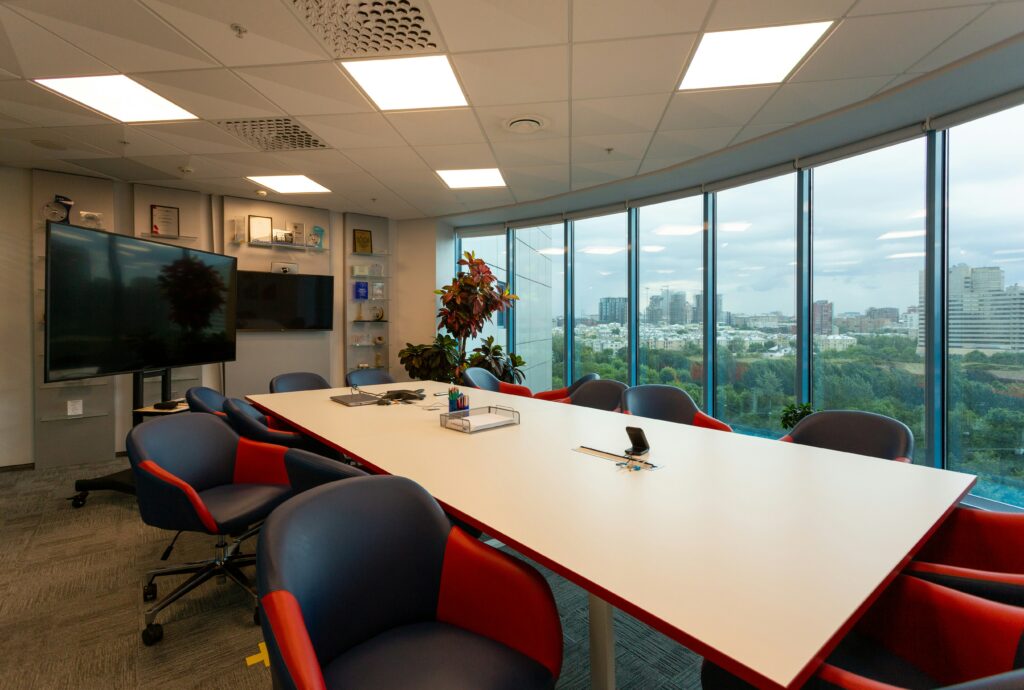
A dedicated Zoom Room or Microsoft Teams Room is not just a regular conference room with a webcam, it’s a purpose-built video conferencing space using certified hardware that integrates directly with your platform. The result is one-touch joining, automatic calendar syncing, and audio/video quality that a generic laptop setup can’t match.
Platform & Hardware Comparison
|
Platform
|
Certified Hardware Examples
|
Ideal Room Size
|
Approx. Cost
|
Notes
|
|---|---|---|---|---|
|
Zoom Rooms
|
Poly Studio X50, Logitech Rally Bar, Neat Board
|
Huddle – Mid-size
|
$3,500–$10,000
|
One-touch join, calendar integration
|
|
Microsoft Teams
|
Yealink MVC860, Logitech Tap, Poly G7500
|
Any size
|
$4,000–$12,000
|
Works with O365, native Teams UI
|
|
Google Meet
|
Series One (Lenovo/Asus), Logitech Tap
|
Huddle – Standard
|
$3,000–$8,000
|
Google Workspace integration
|
|
Cisco Webex
|
Cisco Room Bar, Webex Board Pro
|
Standard – Boardroom
|
$6,000–$20,000+
|
Enterprise-grade, advanced AI features
|
Platform | Certified Hardware Examples | Ideal Room Size | Approx. Cost | Notes |
Zoom Rooms | Poly Studio X50, Logitech Rally Bar, Neat Board | Huddle – Mid-size | $3,500–$10,000 | One-touch join, calendar integration |
Microsoft Teams | Yealink MVC860, Logitech Tap, Poly G7500 | Any size | $4,000–$12,000 | Works with O365, native Teams UI |
Google Meet | Series One (Lenovo/Asus), Logitech Tap | Huddle – Standard | $3,000–$8,000 | Google Workspace integration |
Cisco Webex | Cisco Room Bar, Webex Board Pro | Standard – Boardroom | $6,000–$20,000+ | Enterprise-grade, advanced AI features |
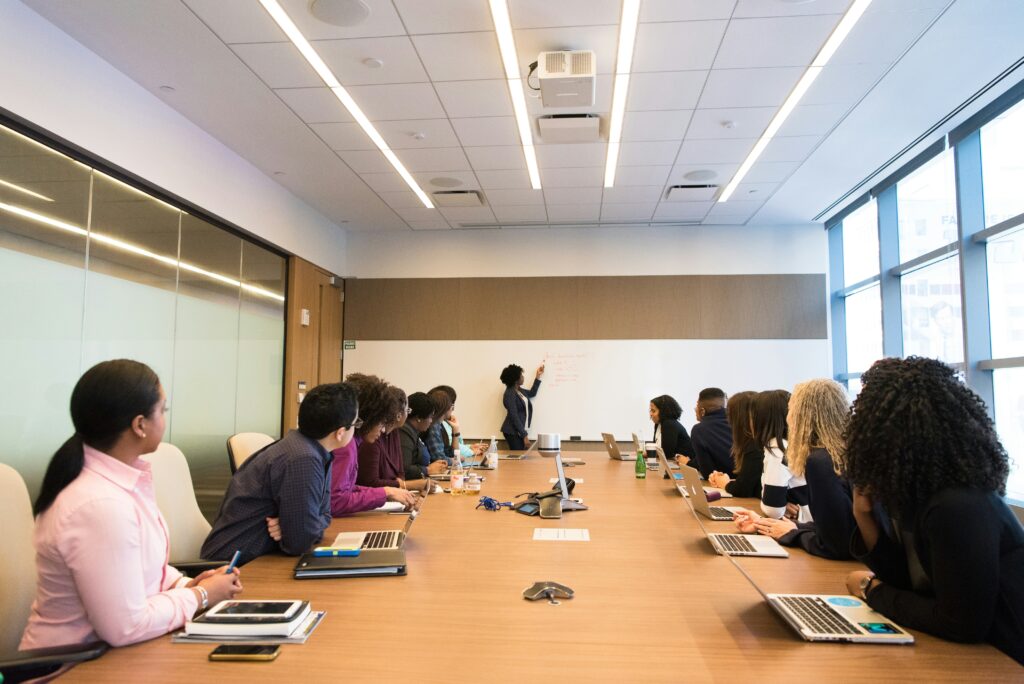
What a Zoom Room Setup Includes
- Commercial display (65–75″): wall-mounted with flush cable management
- Certified camera: wide-angle, auto-framing (Poly, Logitech, or Neat)
- Integrated microphone: tabletop or ceiling-mounted pickup
- Compute module: dedicated Zoom/Teams appliance, no laptop needed
- Touch controller: tablet-sized panel for one-touch joining
- Wireless presentation: screen share without cables or dongles
- Calendar integration: auto-displays next meeting, one tap to join
- Important: Many NYC offices try to set up Zoom Rooms using consumer hardware, a TV, a webcam, and a laptop. This works until it doesn't: dropped calls during client presentations, echo complaints on remote calls, displays that don't wake up on schedule. Certified Zoom Room hardware eliminates all of these failure points.
3. Wireless Presentation System Options & Cost
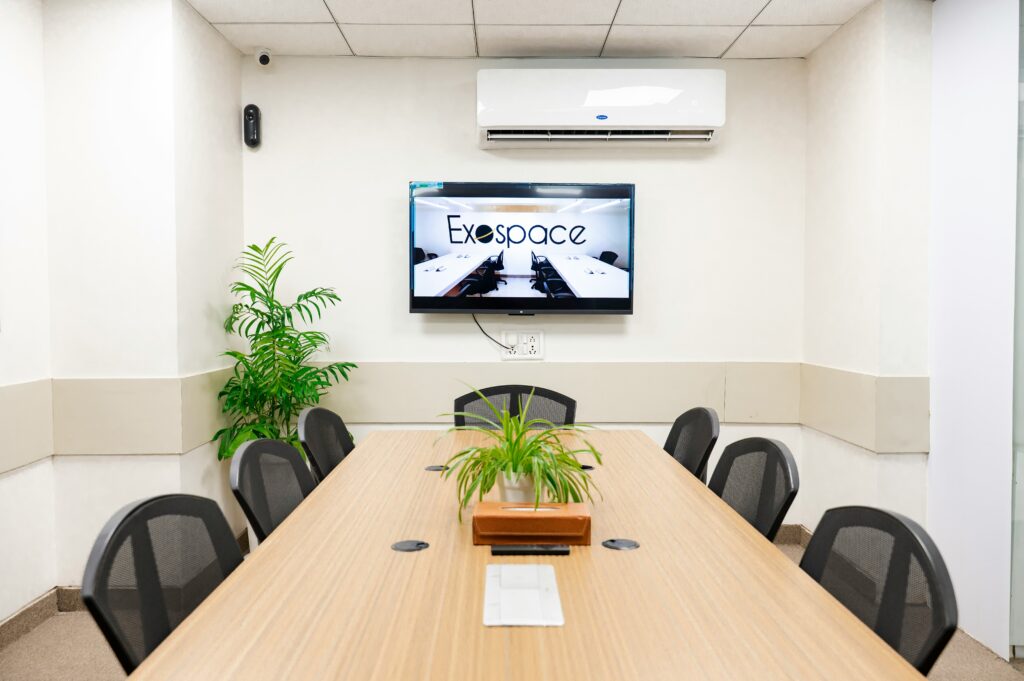
Every modern conference room in 2026 should support wireless screen sharing, no HDMI cables, no adapters, no “can you email it to me?” A wireless presentation system lets anyone in the room share their screen from any device in seconds.
3. Wireless Presentation System Options & Cost
Every modern conference room in 2026 should support wireless screen sharing, no HDMI cables, no adapters, no “can you email it to me?” A wireless presentation system lets anyone in the room share their screen from any device in seconds.
System | How It Works | Room Size Fit | Cost Range | Best For |
Barco ClickShare | USB dongle or app, click to share | All sizes | $1,200–$3,500 | BYOD meetings, no cables needed |
Crestron AirMedia | App-based, works with Crestron systems | Mid – Boardroom | $800–$2,500 | Existing Crestron installs |
Mersive Solstice | Software-based, multi-user sharing | Standard – Large | $1,500–$3,000 | Multiple presenters simultaneously |
Apple AirPlay / Google Cast | Native device mirroring | Huddle – Standard | $200–$600 | Apple/Google-only environments |
|
System
|
How It Works
|
Room Size Fit
|
Cost Range
|
Best For
|
|---|---|---|---|---|
|
Barco ClickShare
|
USB dongle or app, click to share
|
All sizes
|
$1,200–$3,500
|
BYOD meetings, no cables needed
|
|
Crestron AirMedia
|
App-based, works with Crestron systems
|
Mid – Boardroom
|
$800–$2,500
|
$800–$2,500
|
|
Mersive Solstice
|
Software-based, multi-user sharing
|
Standard – Large
|
$1,500–$3,000
|
Multiple presenters simultaneously
|
|
Apple AirPlay / Google Cast
|
Native device mirroring
|
Huddle – Standard
|
$200–$600
|
Apple/Google-only environments
|
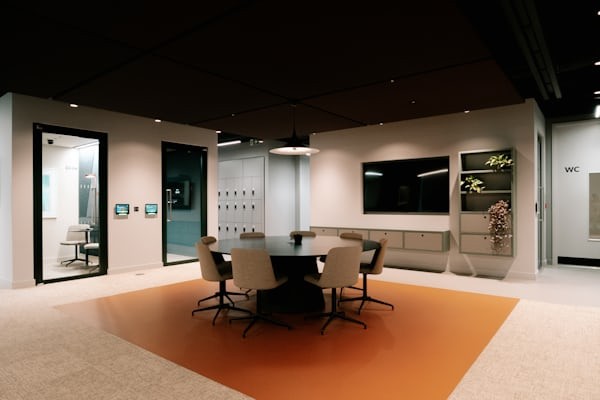
Which System Is Right for Your NYC Office?
- BYOD-heavy office (freelancers, clients, visitors): Barco ClickShare, works with any laptop, no app required
- Microsoft 365 shop: Crestron AirMedia or Mersive Solstice
- All-Apple environment: Native AirPlay to Apple TV is cost-effective
- Multiple presenters at once: Mersive Solstice supports split-screen from multiple devices simultaneously
- NYC Expert Tip: For client-facing conference rooms in Manhattan, Barco ClickShare is worth the premium. Clients can present from their own laptops without downloading anything, which matters when first impressions count.
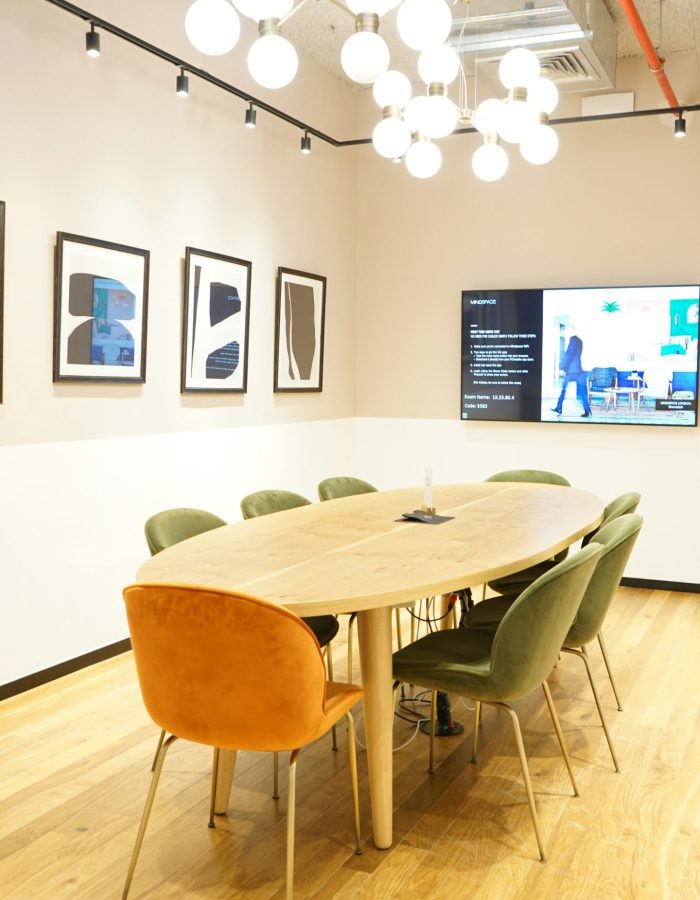
4. Huddle Room AV Setup: What You Actually Need
Huddle rooms, small 2–6 person spaces, are the most common AV project in NYC offices right now. Companies are converting underused private offices into collaboration rooms, and the AV requirement is simpler and more affordable than most people expect.
Minimum Viable Huddle Room Setup ($2,000–$3,500)
- 43–55″ commercial display (not a consumer TV, brightness and longevity matter)
- All-in-one video bar: Poly Studio, Logitech Rally Bar Mini, or Neat Frame
- Wall mount with recessed cable management
- HDMI or wireless connection to display
- Power and data drops (if not already present)
Full-Featured Huddle Room Setup ($3,500–$5,000)
- 55″ commercial display
- Dedicated Zoom Rooms or Teams Rooms hardware with touch controller
- Wireless presentation system (Barco ClickShare or similar)
- Flush-mounted power and USB hub in table or wall
- Structured cabling, concealed in wall or cable channel
- Important: Don't use a consumer TV in a huddle room. Consumer displays are not designed for all-day commercial use, they overheat, the brightness fades within a year, and most lack the input flexibility that commercial installs require. NYC IT Tech only installs commercial-grade displays rated for 16–18 hours of daily operation.
5. What Affects AV Installation Cost in NYC?
Two conference rooms with the same equipment list can have very different final costs in New York City. Here’s what drives the difference:
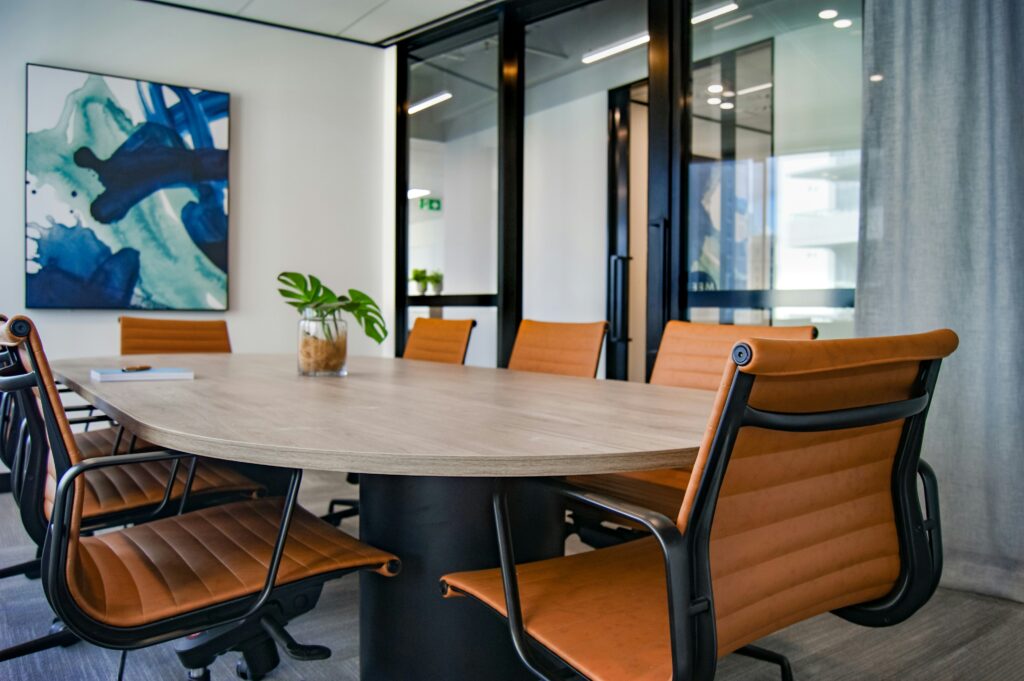
5. What Affects AV Installation Cost in NYC?
Two conference rooms with the same equipment list can have very different final costs in New York City. Here’s what drives the difference:
Cost Factor | Impact on Budget |
Cable run length & routing | Long runs through concrete ceilings or around HVAC can add $500–$2,500 in labor |
Building age (pre-war vs. new) | Pre-war buildings have plaster walls, limited conduit, retrofit labor is 2–3x higher |
Building management requirements | After-hours work, freight elevator scheduling, and insurance certificates add cost and lead time |
Brand selection | Sony/Samsung vs. mid-tier display: $500–$2,000 difference per unit. Poly vs. Logitech: similar gap |
Automation & control systems | Savant or Control4 integration adds $3,000–$10,000+ to boardroom projects |
Permits | Usually not required for low-voltage AV, but electrical work or landmarked buildings may need permits |
Number of rooms | Multi-room installs get volume pricing, 5+ rooms typically 10–15% lower per-room cost |
|
Cost Factor
|
Impact on Budget
|
|---|---|
|
Cable run length & routing
|
Long runs through concrete ceilings or around HVAC can add $500–$2,500 in labor
|
|
Building age (pre-war vs. new)
|
Pre-war buildings have plaster walls, limited conduit, retrofit labor is 2–3x higher
|
|
Building management requirements
|
After-hours work, freight elevator scheduling, and insurance certificates add cost and lead time
|
|
Brand selection
|
Sony/Samsung vs. mid-tier display: $500–$2,000 difference per unit. Poly vs. Logitech: similar gap
|
|
Automation & control systems
|
Savant or Control4 integration
adds $3,000–$10,000+ to boardroom projects
|
|
Permits
|
Usually not required for low-voltage AV, but electrical work or landmarked buildings may need permits
|
|
Number of rooms
|
Multi-room installs get volume pricing, 5+ rooms typically 10–15% lower per-room cost
|
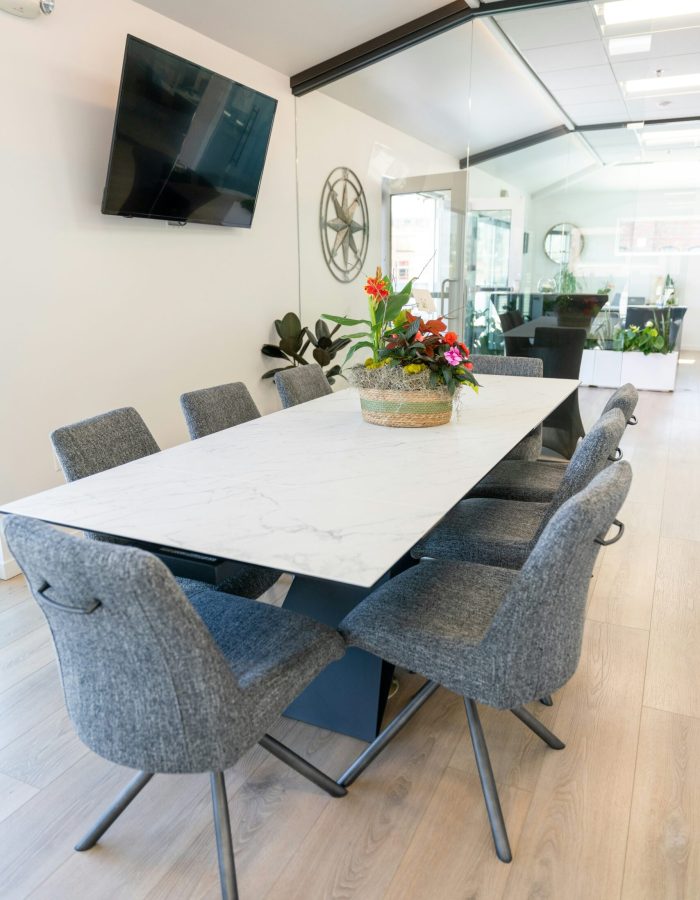
6. Why NYC Buildings Are Different
Conference room AV in New York City is not the same as anywhere else. The building stock, density, and management requirements create challenges that out-of-town AV companies consistently underestimate, and underbid, only to surprise clients with change orders.
- Pre-war office buildings (1900s–1940s): Plaster walls, cast-iron conduit, no accessible ceiling space. Cable routing requires core drilling and careful coordination with building engineers.
- Glass-wall offices: Beautiful but acoustically terrible. Echo and reverb require acoustic treatment before installing microphones, otherwise expensive hardware sounds awful.
- Building management rules: Most Midtown buildings require 30–60 days advance notice for contractor access, certificates of insurance, and restrict work to after-hours or weekends.
- Union labor considerations: Some buildings require union electricians for certain work. NYC IT Tech navigates these requirements as part of every project.
- Co-op and condo boards: If your office is in a co-op or mixed-use building, board approval may be needed before work begins. NYC IT Tech handles this documentation process.
- NYC Expert Tip: Always ask your AV company if they've worked in your specific building or building type before. A company experienced in Midtown pre-war towers will quote more accurately and complete faster than one accustomed to suburban office parks.
7. Expert Tips for Conference Room AV in NYC
- Assess your network BEFORE choosing equipment. The most common AV failure isn’t bad speakers, it’s inadequate bandwidth. A 4K Zoom Room on a 10-year-old network switch will buffer and drop calls. NYC IT Tech evaluates your network infrastructure before recommending equipment.
- Pre-wire during renovation, not after. Retrofitting cables through finished walls in a pre-war building costs 3–5x more than pre-wiring during a buildout. If you’re renovating, get AV cabling roughed in at the same time.
- Prioritize audio over video in every budget. People tolerate mediocre video. They will not tolerate bad audio. Ceiling microphones are the highest-ROI AV investment in a conference room.
- Plan for wireless presentation from day one. Every room should support wireless screen sharing without dongles or adapters. It’s standard in 2026, any new install without it is already outdated.
- Get a service agreement, not just an installation. AV systems need firmware updates, calibration, and periodic troubleshooting. A company that installs and walks away is a liability when your boardroom fails before a major presentation.
- Don’t over-spec small rooms. A 4-person huddle room does not need a $15,000 system. Size the equipment to the room and the use case, NYC IT Tech helps clients avoid overspending on features their teams will never use.
Frequently Asked Questions
Costs vary by room type. Huddle rooms start at $2,000–$5,000. Standard conference rooms with ceiling mics and commercial displays range from $5,000–$15,000. Dedicated Zoom/Teams Rooms run $4,000–$12,000. Executive boardrooms with full automation can reach $15,000–$50,000+. All estimates include equipment, installation, structured cabling, and configuration. NYC IT Tech provides exact quotes after a free on-site assessment.
Yes. NYC IT Tech installs and configures dedicated Zoom Rooms and Microsoft Teams Rooms using certified hardware, cameras, microphones, displays, and compute modules designed to work natively with your platform. Setup includes one-touch join, calendar integration, and full AV calibration.
For most NYC offices, Barco ClickShare is the top choice, no app required for guests, works with any laptop via USB dongle, and supports BYOD meetings. For Crestron-integrated rooms, AirMedia is the natural fit. Mersive Solstice works well when multiple presenters need to share simultaneously.
A huddle room (2–6 people) needs a 43–55″ display, an all-in-one video bar or speakerphone (Poly Studio, Logitech Rally Bar Mini, or similar), a wall or table mount, and a wireless presentation system. The entire setup can be installed in a single day. NYC IT Tech sizes equipment to your specific room dimensions and ceiling height.
Huddle room setups complete in 4–8 hours. Standard conference rooms with ceiling mics and structured cabling take 1–2 days. Full boardroom installations with automation programming and concealed wiring take 3–5 days. NYC IT Tech coordinates with building management for access scheduling.
Yes. NYC IT Tech provides both AV installation and structured cabling in-house. That means one company is responsible for everything, from the network drops and cable runs in the wall to the display on the screen. No subcontractors, no coordination delays.
Yes. NYC IT Tech has extensive experience in pre-war buildings across Midtown, Chelsea, and Downtown Manhattan. They understand the specific challenges: plaster walls, limited conduit pathways, freight-only elevator access, and building management approval processes. All work is performed by licensed and insured NYC contractors.
Get a Free Conference Room AV Assessment
Licensed & insured. All five boroughs + NJ + CT. Exact quote after on-site review.